
Getting Started
What Is TermSquad?
By TermSquad · Last reviewed
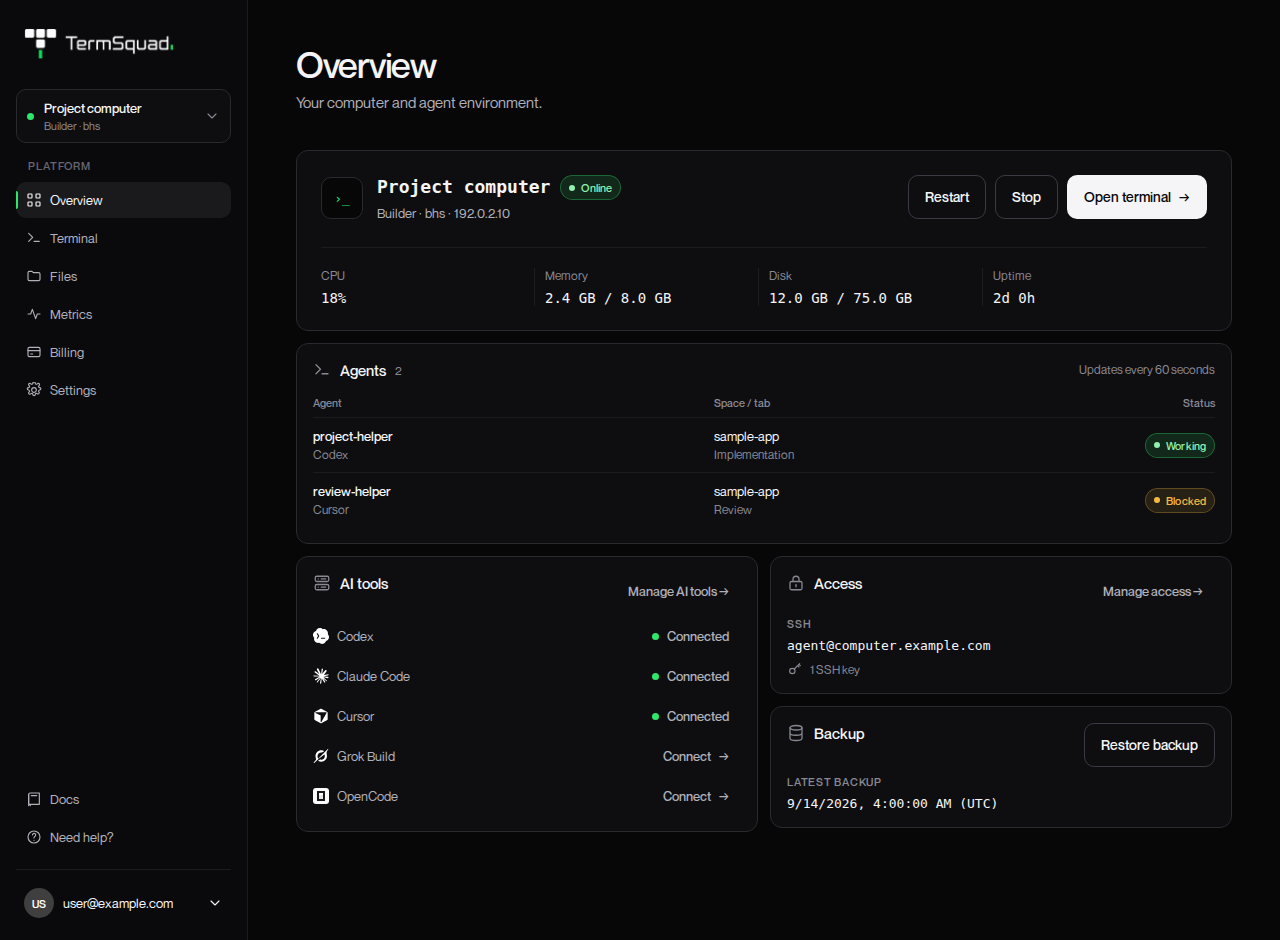
TermSquad gives you an always-on Ubuntu computer for development and AI agents. You connect through a web terminal or SSH, keep your projects on that computer, and return to your work from another device.
The computer runs remotely. Closing your laptop does not switch it off. Work running inside a persistent terminal session can continue while you are disconnected, provided the computer remains running and the process does not exit or wait for your input.
What can I do with TermSquad?
You can clone a repository, edit files, run development tools, and use supported coding agents with your own provider account. Squad helps agents delegate work and review results. Shared memory stores selected project knowledge so another supported agent can pick up relevant context.
The dashboard brings together your terminal, files, resource metrics, settings, and billing. Each computer has its own projects, installed tools, and subscription.
What do I need?
- An email address for your TermSquad account.
- A computer plan and payment method.
- Your own AI provider subscription or API access if you want to use an AI agent.
AI usage is billed by the provider separately from the TermSquad computer. You can also use the computer for ordinary terminal work without running an AI agent.
Where should I start?
Create your account and first computer, then run your first AI task. If the terminology is unfamiliar, keep the TermSquad glossary nearby.